Chapter 11
For auditors and other viewers
What a read-only user can see, and where to find the evidence auditors usually ask for.
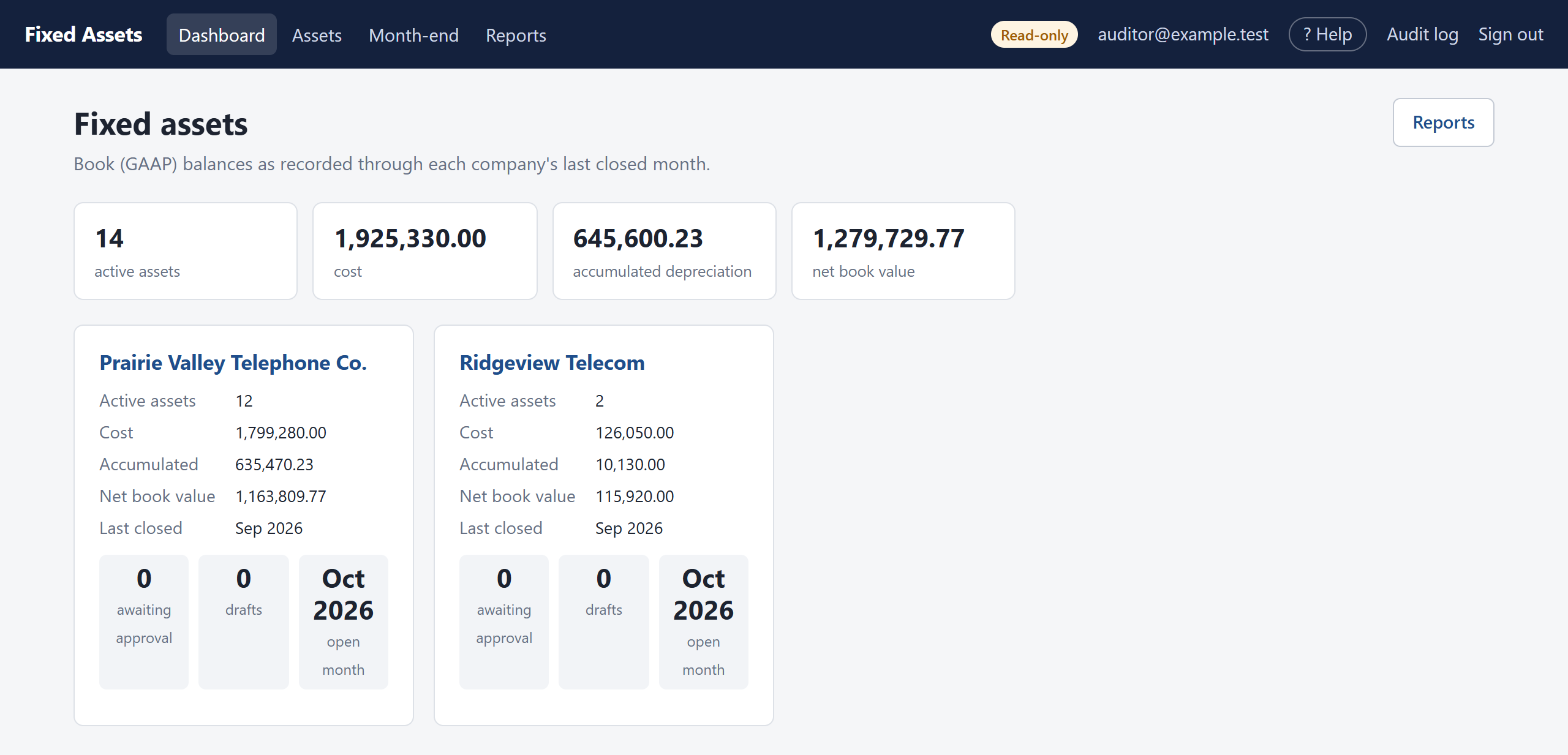
A Viewer can open every screen and run every report for the companies they have been given, and download anything to Excel, but cannot change anything. The top bar shows a Read-only badge. The program refuses any change from a viewer, even if someone tried to send one by hand.
Where to find things
| You want | Go to |
|---|---|
| The fixed-asset lead schedule | Reports → Rollforward, for the year, by class or Part 32 account. |
| Listing at year-end | Reports → Asset register, as of the year-end month. |
| Additions to test | Reports → Additions (vendor, invoice, who prepared and approved), then open any asset for its details and ledger. |
| Disposals and gains/losses | Reports → Disposals. |
| Depreciation recalculation | Reports → Depreciation schedule; or an asset's page, which shows its method, life and every posting. |
| Evidence of approval | Reports → Change log, which shows preparer and approver for every entry and flags any self-approval. |
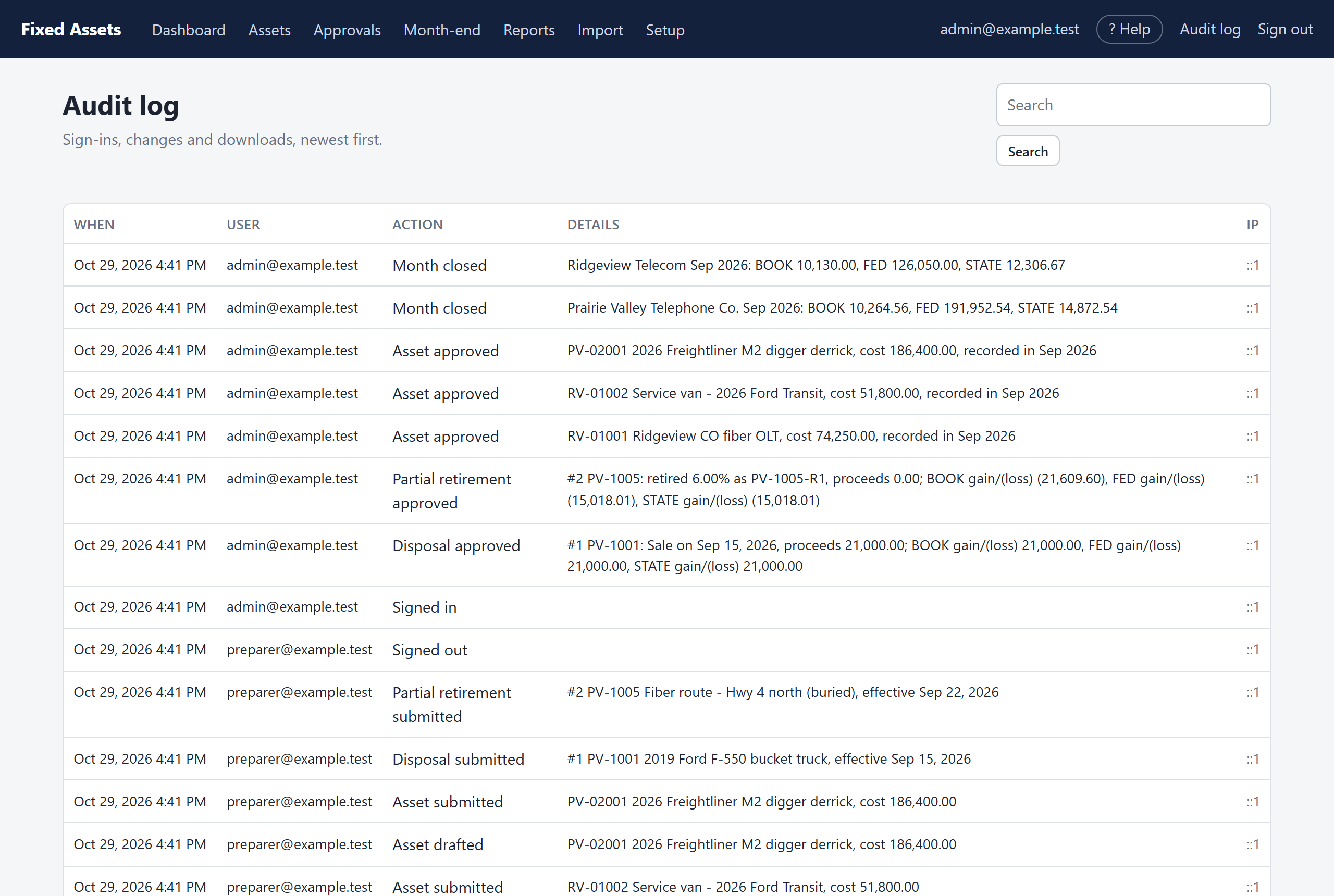
| Who did what, when | Audit log (top right): every sign-in, change, approval, month-end close, reopen and download. |
| Tie-out to the GL | Reports → Journal entries for each month, and the rollforward. |
How the books are kept
- Nothing reaches the books without approval, and by default the preparer can't approve their own work.
- Every closed month is locked. Later corrections are recorded in the open month, never by changing a closed month.
- Balances at any date are the sum of the entries up to that date, so every report can be traced to individual asset entries.
- Reopening a month is limited to administrators and to the last closed month, and is recorded in the audit log with a reason.