Chapter 8
Recording changes
Disposals, partial retirements, transfers, cost adjustments, depreciation changes and impairments.
Anything that affects an active asset's figures is recorded as a change. Changes are approved like new assets. Open the asset, click Record a change, and choose what is changing. The form shows only the fields that type of change needs.
| Change | Use it when |
|---|---|
| Disposal | The whole asset is sold, scrapped, traded in, donated, stolen or destroyed. |
| Partial retirement | Part of an asset is retired: a section of cable relocated, some of a group of equipment removed. |
| Reclassify / transfer | The asset moves to another class, Part 32 account or location, or to another of your companies. |
| Cost adjustment | The cost was wrong or has changed: a late invoice, a credit, freight added. |
| Depreciation change | The method, life, convention, salvage, bonus or Section 179 should be different. |
| Impairment | The asset is worth less than its book value and must be written down (usually the GAAP book only). |
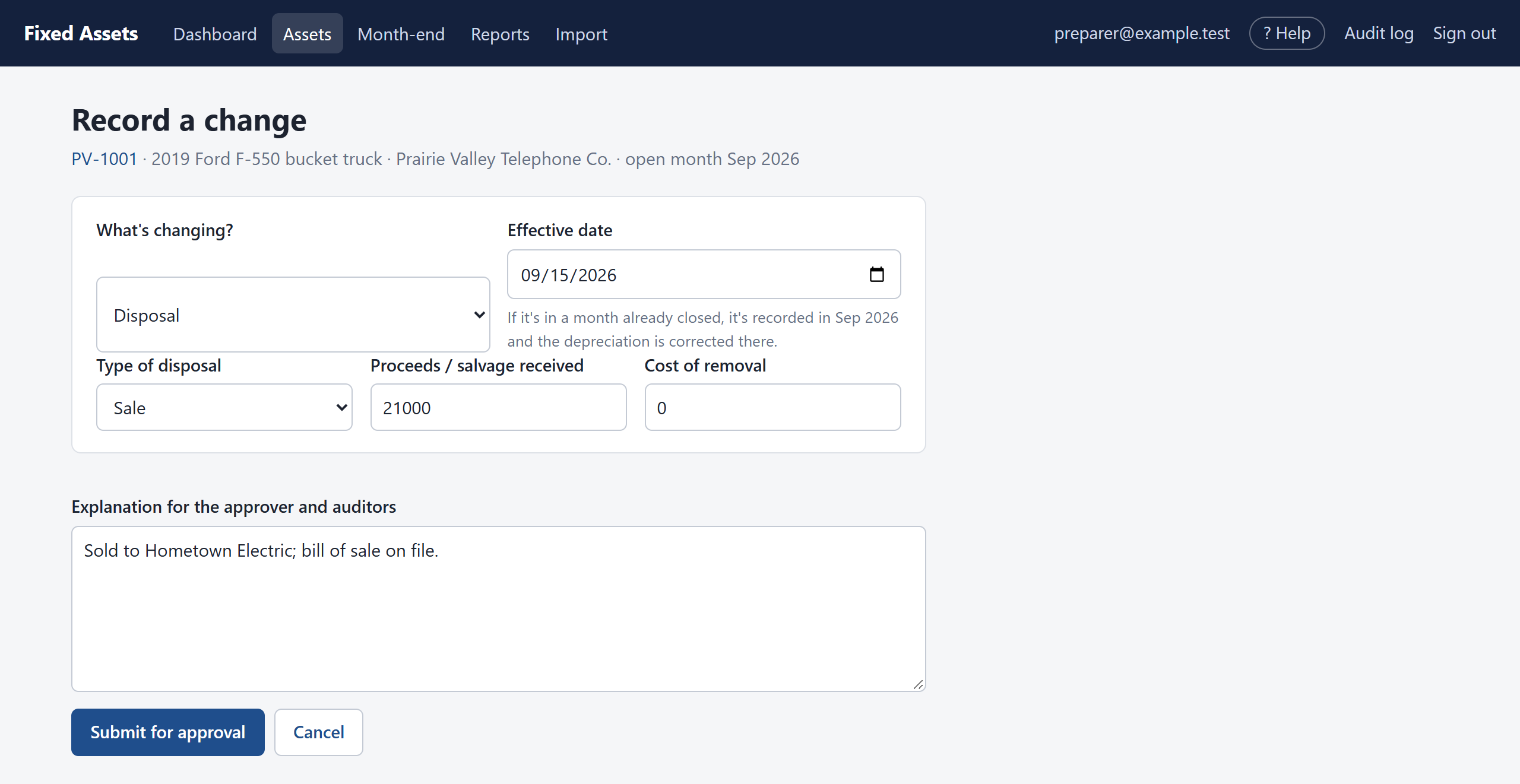
Disposal
- Choose Disposal.
- Enter the Effective date: the day it was sold or scrapped.
- Choose the Type of disposal and enter any Proceeds received and the Cost of removal.
- Explain it in the box at the bottom (who bought it, where the paperwork is).
- Click Submit for approval.
When it is approved, the program works out the gain or loss in each book. The asset is taken off the books in the month of disposal, or in the open month if the disposal date is in a month already closed. In that case, any depreciation taken after the disposal date is reversed automatically.
Partial retirement
Enter either the share retired as a percentage, or the original cost of the retired part (the program works out the percentage). For example, 1.2 miles of a 20-mile route is 6%. The retired part becomes its own asset, numbered like PV-1005-R1, which carries its share of the cost and depreciation and is then disposed of. The rest of the asset carries on.
Reclassify or transfer
- Class or Part 32 account: the asset's balances move from the old account to the new one, so reports by account stay right.
- Location: just changes the location.
- Another company: the asset leaves this company and becomes a new asset in the other one, with the same cost and accumulated depreciation. Both companies must have the same open month.
Cost adjustment and depreciation change
Enter the amount (positive to add, negative to reduce) or the new settings for each book that changes. Then decide how to apply it:
- Apply from now on (ticked): what has already been taken stays, and the remaining amount is spread over the remaining life. Use this for a change in estimate, such as an engineering study that extends a cable's life.
- Recalculate from the start (unticked): the schedule is worked out again as if the new figures had always applied, and the difference is taken in the open month. Use this to correct an error.
Impairment
Enter the write-down for the book that needs it. Depreciation then continues on the reduced value.
Withdrawing a change
Before it is approved, the preparer can open the change and click Withdraw.