Chapter 1
Welcome to Fixed Assets
What the program does, who does what, and the few ideas everything else builds on.
Fixed Assets keeps the register of everything your companies own: trucks, switches, fiber routes, poles, buildings, computers. It works out the depreciation on each one, every month, in every set of books you keep. It replaces the Excel spreadsheet, but it does more than store numbers. Every new asset and every change goes to a second person for approval. Each month is closed and locked once its depreciation is posted. And the reports your auditors and tax preparer ask for are a click away.
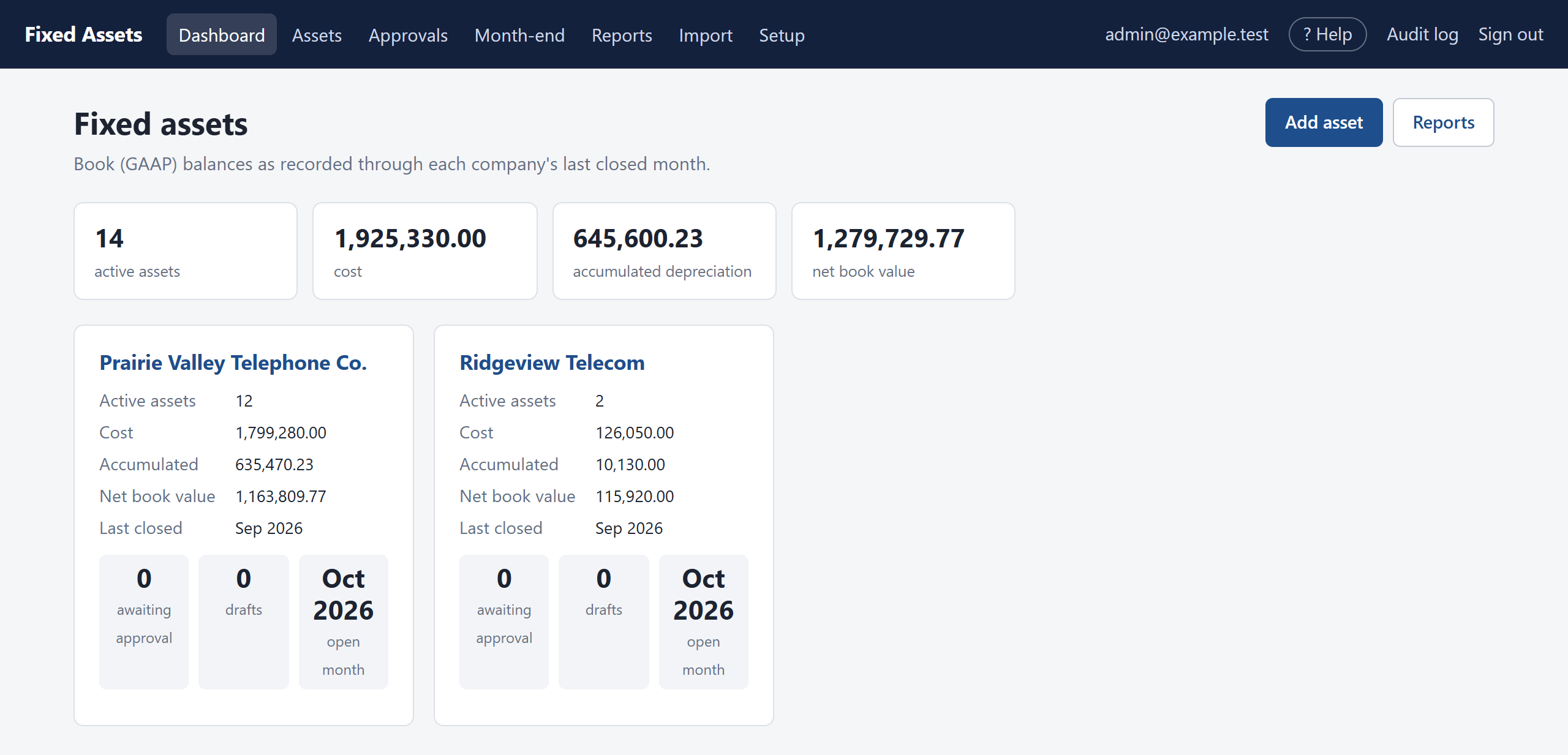
This manual walks through the program in the order you will use it. Start with Signing in and Finding your way around. If you set the system up, read Setting up next. After that, use the chapters as you need them. Every chapter is also available inside the program: click ? Help in the top bar, and it opens at the chapter for the page you are on.
The big picture
Almost everything in Fixed Assets follows the same simple cycle:
- Someone prepares an entry. A new asset, a disposal, a change in life, or an import of many assets at once.
- Someone else approves it. Until then it is only a draft or a request. It is not on the books and it does not affect any balance.
- At month-end, an approver closes the month. The program posts that month's depreciation for every asset in every book, and the month is locked.
- Reports and journal entries come straight from what has been approved and closed, so they always agree with each other.
Who does what
Each person is given one or more roles by the administrator, and access to one or more companies. You only ever see the companies you have been given.
| Role | What you can do |
|---|---|
| Preparer | Enter new assets, record changes and disposals, and import spreadsheets. Everything you enter waits for approval. |
| Approver | Review and approve (or return) what preparers enter, and close each month. |
| Admin | Everything, including Setup: companies, users, books, asset classes and rates. An admin can also reopen a month that was closed. |
| Viewer | Read-only. See every screen and every report for your companies and download them, but change nothing. This is the role for auditors. |
A few words worth knowing
| Word | What it means here |
|---|---|
| Book | A set of depreciation figures kept for one purpose. Most companies keep a GAAP book (for financial statements), a federal tax book and a state tax book. Telephone companies may also keep a regulatory (Part 32) book. Every asset is depreciated separately in each book. |
| Asset class | A category such as Motor vehicles or Buried cable. The class sets the starting depreciation method and life in each book, and the general ledger accounts. |
| Open month | The one month that is still being worked on for a company. New entries are recorded in the open month. |
| Closing a month | Posting the month's depreciation and locking it. After that, the month never changes. |
| Opening balance | The cost and accumulated depreciation brought over from your spreadsheet when you started using the program. |
| Net book value | Cost minus accumulated depreciation. |
A longer list is in the Glossary at the end.